 SOC Docs
User Guide
Sign In and Out
How to securely sign in and sign out of your SOC account.
Use Sign In to access your resident dashboard and protected profile features. Sign Out ends your active session on the current browser.
Sign in
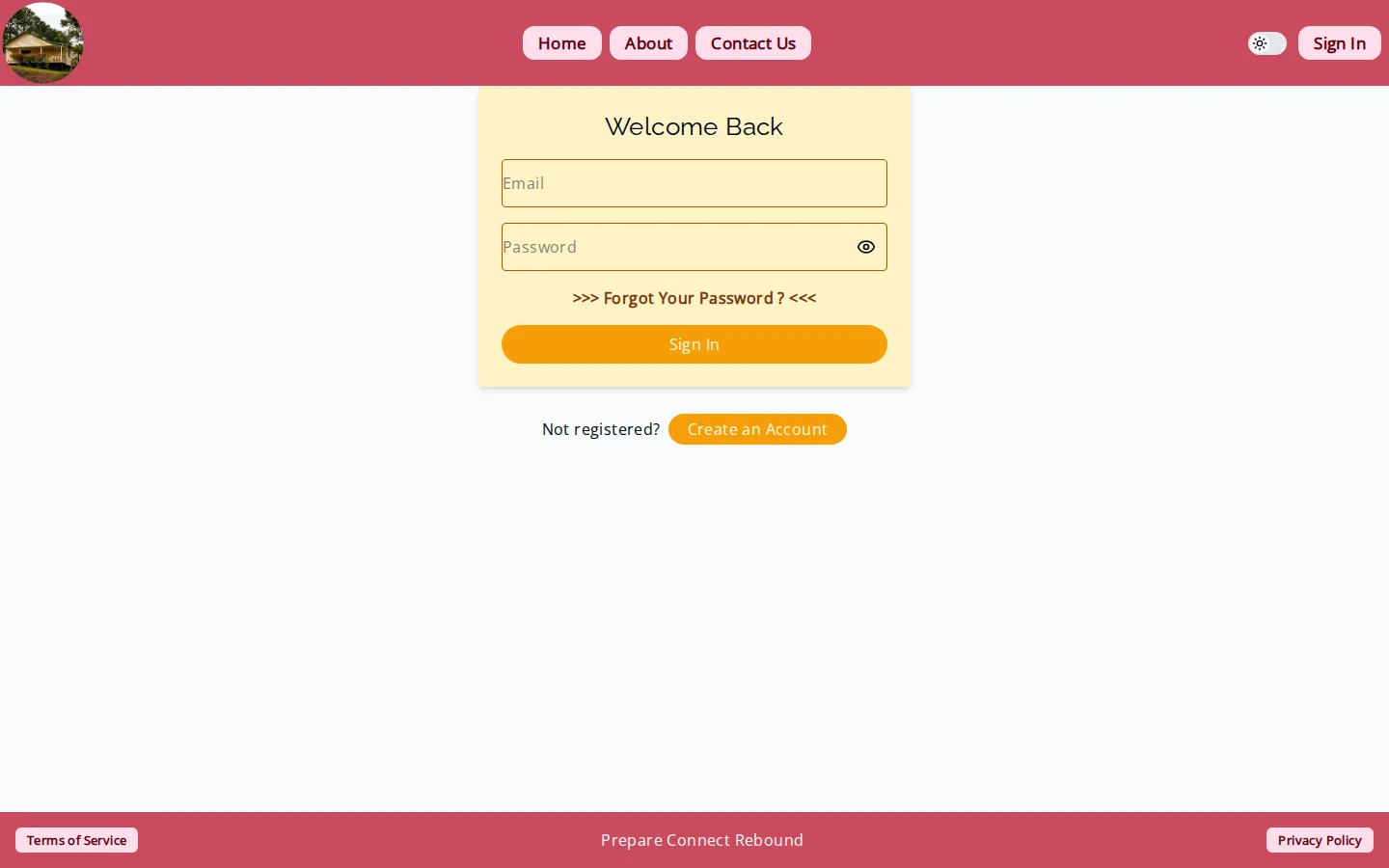
- Open the Sign In page.
- Enter your registered email and password.
- Submit and wait for redirect to your profile area.
Common sign-in errors
- Invalid credentials: check email spelling and password.
- Too many attempts: wait and try again later.
- Session refresh failure: sign in again from the prompt.
Sign out
- Open the user menu or sign-out route.
- Confirm sign-out when prompted.
- Verify protected pages now redirect to sign-in.
Security tips
- Sign out on shared devices.
- Do not save passwords in public browsers.
- Reset your password immediately if you suspect account access by someone else.