 SOC Docs
User Guide
Reset Your Password
Steps to recover account access if you forget your password.
If you cannot sign in, use the password reset flow to set a new password securely. Reset links are single-use and tied to a recovery session.
Reset steps
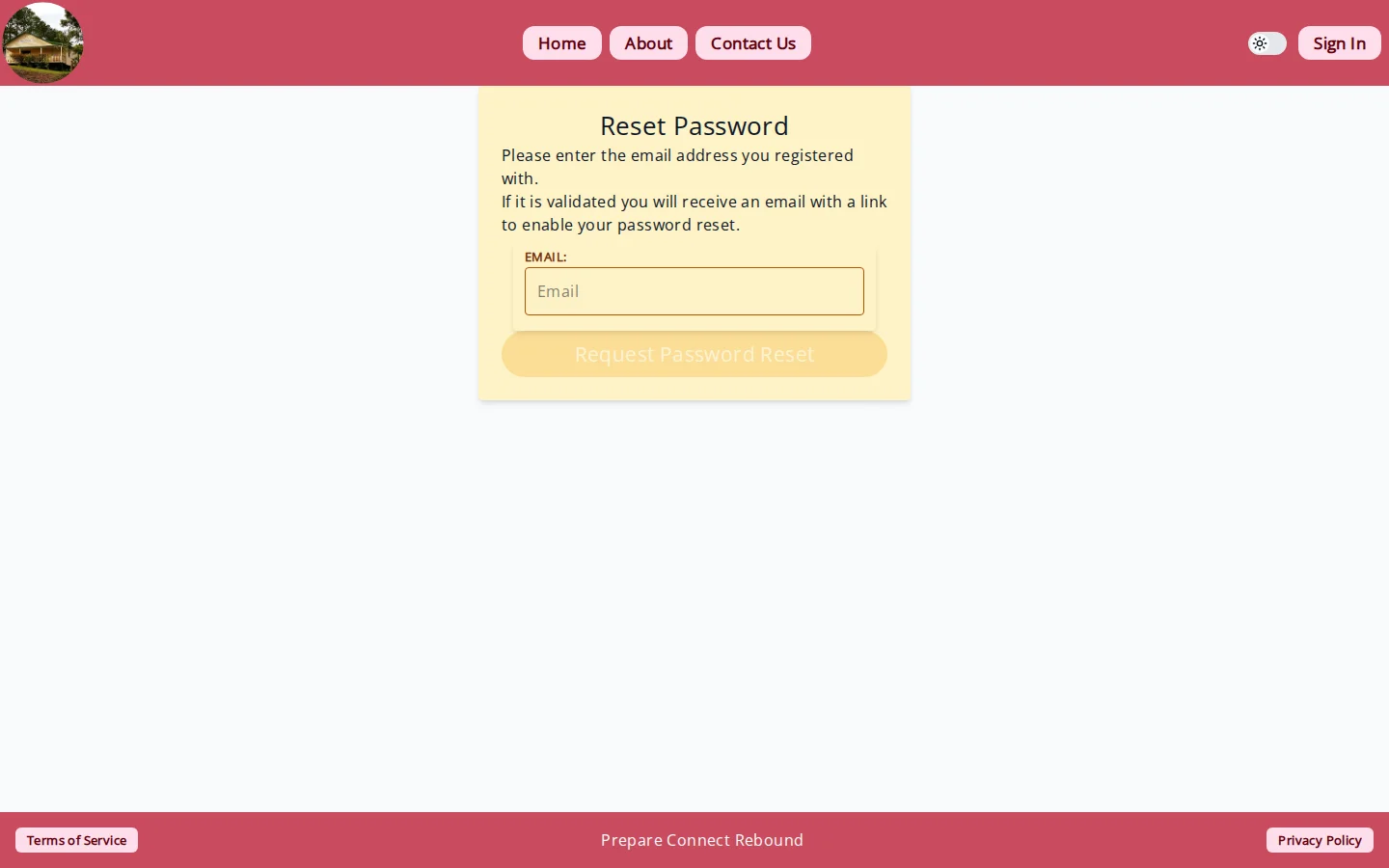
- Open the password reset request page.
- Enter your account email and submit.
- Open the reset email and follow the recovery link.
- Enter a new password and submit.
- Sign in with your new password.
Troubleshooting
- No email received: check spam/junk and retry.
- Expired link: request a fresh reset email.
- Reset page redirects to sign-in: open the newest recovery link and try again.
Security notes
- Choose a new password you have not used before.
- Keep recovery links private and do not share them.