 SOC Docs
User Guide
Create Your Account
Set up a resident account and verify access.
Creating an account is a two-stage flow: validate your address first, then create login credentials. This ensures SOC can connect your account to the correct community context.
Before you start
- Use an email address you can access immediately.
- Have your street and suburb details ready.
- Use a strong password you do not reuse elsewhere.
Steps
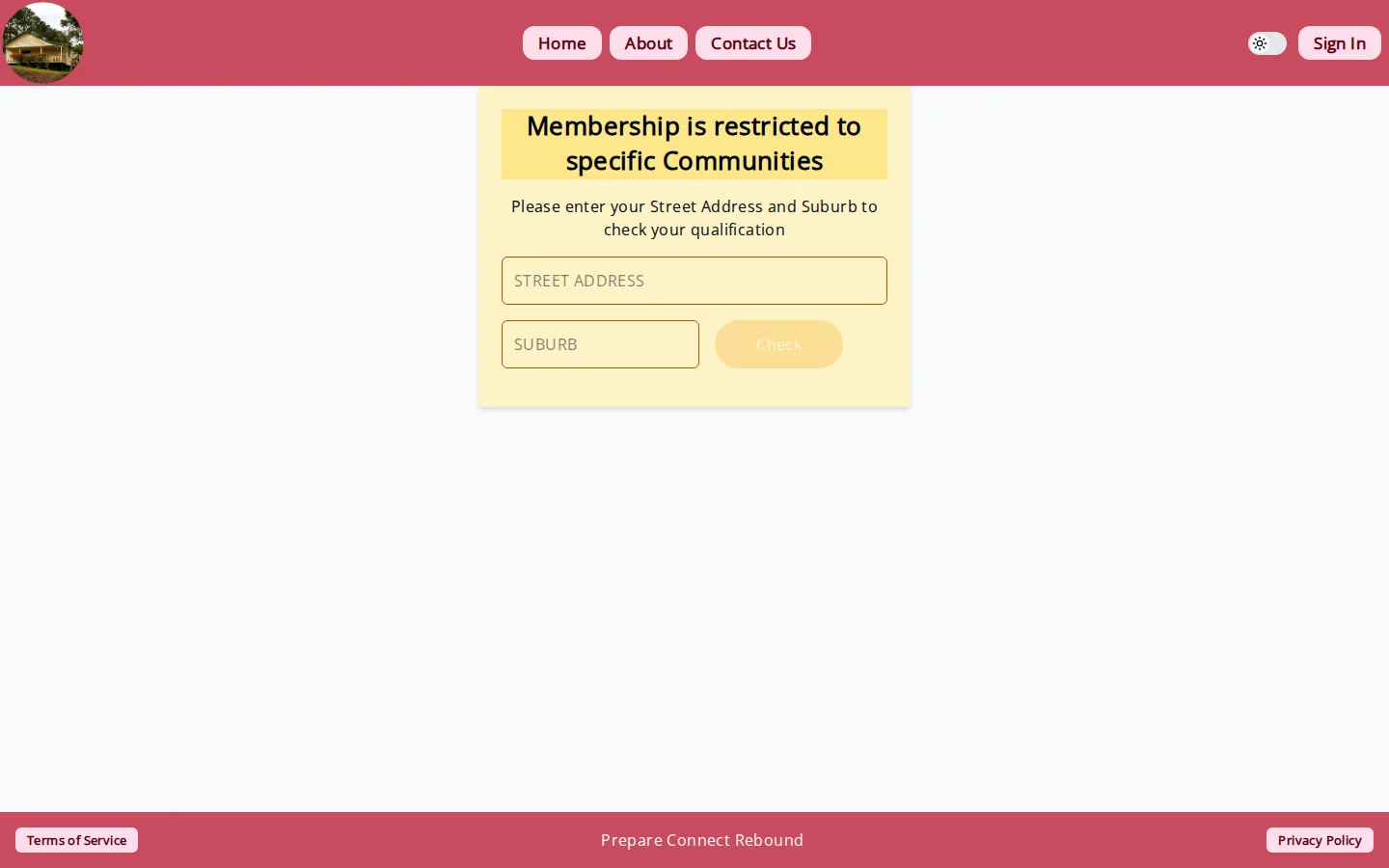
- Open the Create Account page.
- Enter your address and submit address validation.
- If the address is valid and eligible, enter email and password.
- Submit account creation.
- Open the confirmation email and follow the verification link.
- Continue to onboarding once your email is confirmed.
If address validation fails
- Address not found: review spelling and suburb, then try again.
- Address ineligible: the address may be outside the current service area.
- System error: retry later or contact support.
If account creation fails
- Missing email/password: complete both fields and resubmit.
- Email already exists: use Sign In or reset password.
- Email not allowed in dev/testing: contact the project team for allow-list access.
What happens next
After verification, SOC redirects you to onboarding so you can complete your initial profile and property setup.